A boring WiFi name is a missed opportunity. It sits there all day, doing nothing, while your neighbors keep seeing the same tired default network names.
That’s a shame, because a good WiFi name can do a lot more than fill a menu. It can make people laugh, spark a conversation, and maybe even earn you a little neighborhood fame. If you pick the wrong one, though, you’ll just blend in like every other “NETGEAR-24” on the block.
So here’s the fun part: a big list of punny WiFi names, plus a few tips on how to choose one that gets noticed for the right reasons.
Why a WiFi name matters more than people think
Most people only see a WiFi name for a second. But that second is enough.
A funny network name feels personal. It says someone in the house has a sense of humor, and that alone makes it easier to remember. I’ve noticed that the best ones are short, a little weird, and easy to read fast.
That last part matters. If your name is too long, the joke gets lost. If it’s too clever, nobody wants to type it. The sweet spot is simple, funny, and obvious enough to land quickly.
One thing I learned the hard way: names with too many symbols look clever on paper, then turn into a tiny mess on the device list. Keep that in mind before you turn your router into a punctuation puzzle.
For a little extra pun inspiration, the playful style in this collection of funny pun ideas that actually make people laugh out loud fits this vibe pretty well.

The best kind of WiFi pun is the one people notice fast
A neighbor won’t study your network name. They’ll glance at it while trying to connect, then either smile or move on.
So the best pun names usually do one of three things:
- use a familiar phrase with a tiny twist
- make a simple joke about internet life
- sound like a fake warning, movie title, or dramatic announcement
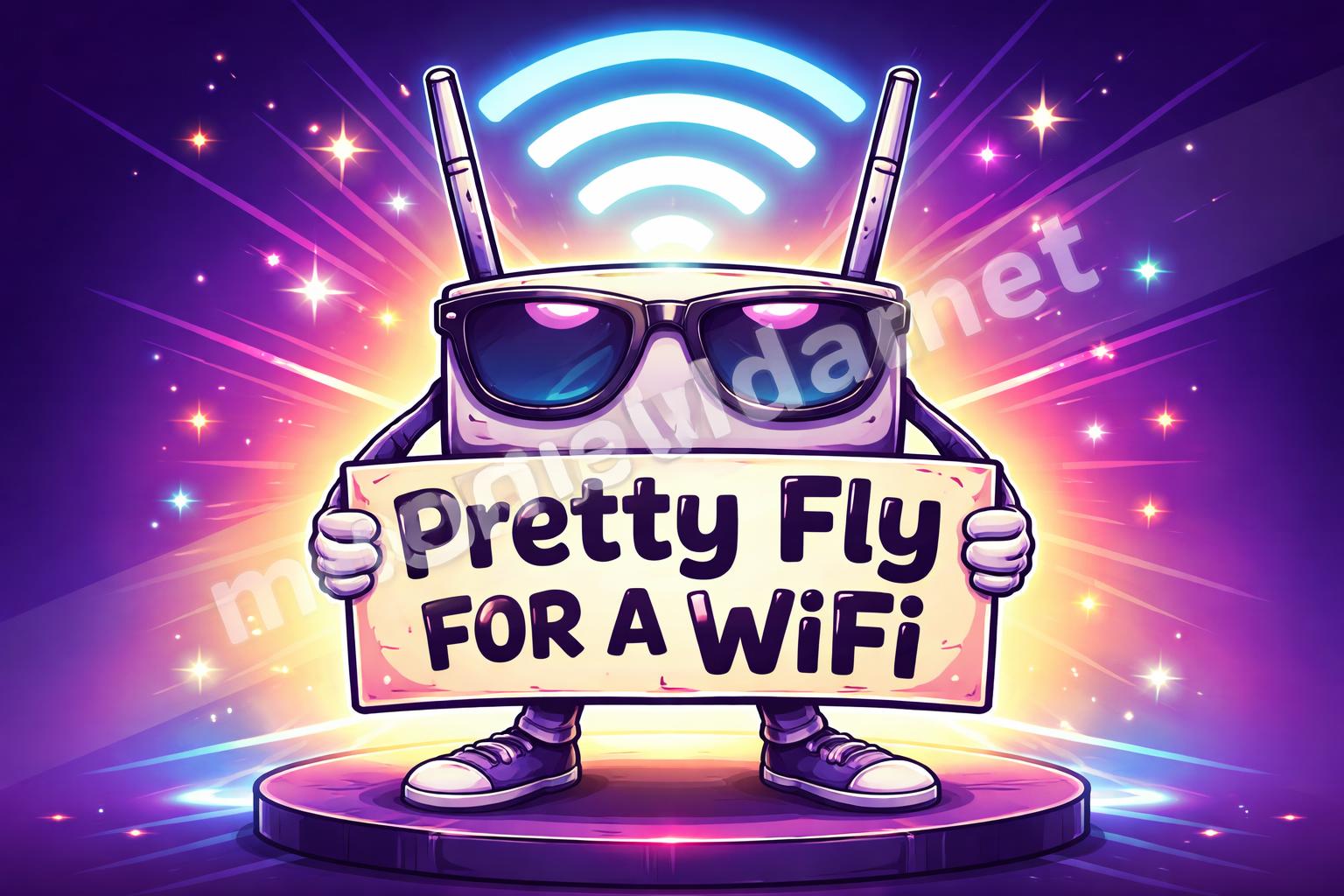
That’s why names like “Pretty Fly for a WiFi” still work. They’re instantly readable. No decoding needed.
I also think the funniest names are the ones that feel slightly too real. Like a neighbor wrote them after one bad day with the router and decided to make it everyone’s problem.
Here are some strong directions to try:
– pop culture twists
– fake business names
– dramatic warning signs
– neighborly inside jokes
– food puns
– love puns
– tech jokes
Funny WiFi name puns that stand out
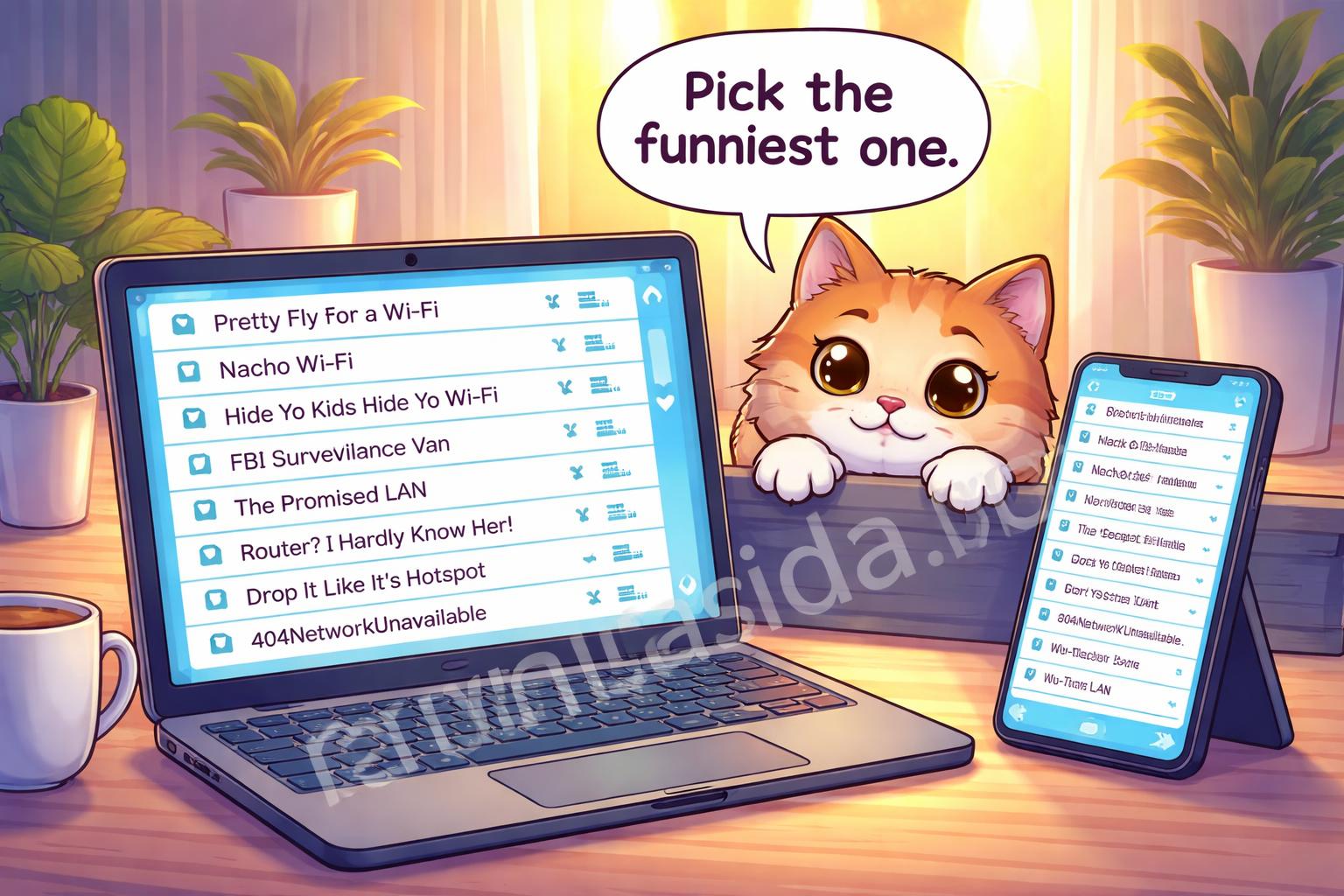
Here’s the main list. I kept these short enough to read on a device list, which is really the whole point.
Classic and clever
- Pretty Fly for a WiFi
- The LAN Before Time
- Tell My WiFi Love Her
- Wi Believe I Can Fi
- No Free WiFi Here
- Click Here for Drama
- Get Off My LAN
- Routers of the Lost Ark
- Drop It Like It’s Hotspot
- It Hurts When IP
Neighbor bait
- FBI Surveillance Van 4
- Your WiFi Is in Another Castle
- Join My Network for Snacks
- Not Your WiFi, Buddy
- The Promised LAN
- Keep Off the Grass, Also the WiFi
- This Network Is Full
- Free Trial Over
- Not the WiFi You’re Looking For
- Loading… Please Wait
Dramatic and funny
- Fear the Signal
- Access Denied, Obviously
- Enter at Your Own Risk
- Signal? Never Heard of It
- Suspiciously Strong WiFi
- The Internet Is Coming
- Router? I Barely Know Her
- Reboot and Repeat
- One Does Not Simply Connect
- Packet Loss and Found
Punny and playful
- LAN Solo
- House of the Rising Signal
- Wi-Fi So Serious
- Lord of the Pings
- The Great GatsFi
- 404 Network Unavailable
- Ping Me Maybe
- Hotspot Dreams
- Talk Nerdy to WiFi
- Byte Me, Maybe
There’s a reason these work. They don’t try too hard. The joke lands in one glance, which is exactly what a good WiFi name should do.
And yes, some are a little corny. That’s kind of the charm. If you want something cleaner, keep reading.
If you want your neighbors to laugh, keep it readable
A WiFi joke can fail for a weird reason: the router name is funny, but nobody can tell what it says.
That happens more than people admit. Fancy spellings, too many numbers, random caps, and extra symbols can ruin a good idea. The name might look smart to you, but on a phone screen, it turns into a guessing game.
A better move is to stay plain on purpose.
A simple rule that helps
- keep it under 20 characters if you can
- avoid hard-to-read symbols
- don’t stack two jokes in one name
- use familiar words people already know
For example, “Pretty Fly for a WiFi” is still stronger than a complicated version with swapped letters and random punctuation. The joke is doing the work, not the formatting.
If you want more caption-style humor to borrow from, the tone in these love captions that make your crush notice you also shows how short lines can carry a lot of personality. That same idea works for WiFi names too.
Theme ideas that make the joke feel fresh
Sometimes the best WiFi name isn’t the funniest one overall. It’s the funniest one for your house.
A couple who loves movies will choose different names than a family that loves tacos or a person who just wants the neighbors to laugh through the wall. That’s the nice thing about this kind of joke. It can be personal without being complicated.
Try these themes
Movie and TV style
- The LAN Before Time
- House of the Rising Signal
- Stranger Pings
- Breaking Bandwidth
- Game of Phones
Food style
- Nacho WiFi
- Sweet Signal O’ Mine
- Pizza the Action
- WiFi and Chips
- Extra Cheesy Connection
Pet style
- Doggo Hotspot
- Cat5 Network
- The Bark Side
- Meow-Fi
- WiFi for Walks
Love and family style
- Our Little LAN
- Home Sweet Hotspot
- You’re My Type of Signal
- Password Protected by Love
- Connected by Chaos
I’ve seen food puns do especially well because they feel harmless and easy. If that’s your style, a set of funny pizza puns that are extra cheesy is a good place to steal the same kind of rhythm.

Tip: the closer the joke is to your actual life, the easier it is to remember later.
Names that sound funny without being annoying
There’s a line between funny and irritating.
A great WiFi name makes people smile. A bad one makes them roll their eyes or, worse, ask what you were trying to do. That matters more than people think, especially if you live in an apartment or close neighborhood where everyone sees the network list.
So I’d avoid anything that feels aggressive, creepy, or too try-hard.
Safer bets
- Pretty Fly for a WiFi
- The LAN Before Time
- This Network Is Full
- Ping Me Maybe
- Tell My WiFi Love Her
- No Free WiFi Here
- Router? I Barely Know Her
- Signal? Never Heard of It
Names I’d skip
- anything threatening
- anything that sounds like a real security warning
- anything that could confuse a guest
- anything too long to read in one breath
A tiny bit of mischief is fine. Full-blown chaos usually isn’t.
One small annoyance I’ve noticed: people sometimes choose a joke that only makes sense if they explain it. That kills the whole thing. If you need a speech, the name isn’t doing enough work.
How to choose one that fits your house
You don’t need the “best” WiFi name. You need one that fits your space and still gets noticed.
A family house can go wholesome and silly. A solo apartment can go sharp and weird. A shared place can go with something neutral that makes everyone grin instead of groan.
A simple picking method
- Decide if you want clever, cheesy, or dramatic.
- Pick a theme: movies, food, pets, or tech.
- Keep the final name short.
- Read it out loud once.
- If it makes you chuckle, it’s probably good enough.
That last part matters more than most people think. If you laugh the first time you say it, there’s a decent chance someone else will too.
The real goal is recognition, not perfection. The funniest WiFi name is often the one that feels effortless.
A big batch of extra WiFi puns, grouped by vibe
If you still want options, here’s a more organized set. This makes it easier to find the tone you want without scrolling through a giant random pile.
Clean and safe
- Home Sweet Hotspot
- Signal in the House
- Welcome to the LAN
- The Wireless House
- Network Not Found
- Connection Available
- House Signal
- Family WiFi
Nerdy and clever
- Byte Me
- LAN Down Under
- Ping’s Landing
- The Modem Menace
- Ctrl Alt Delighted
- Cache Me Outside
- Data and Destroy
- Buffering Forever
Sneaky and dramatic
- FBI Van #3
- No Signal for You
- Enter Password Maybe
- Definitely Not Free
- Do Not Disturb Network
- Suspenseful Signal
- Too Many Devices
- The Last Available Bar
Just plain silly
- Wi-Fi-nally
- LAN of Milk and Honey
- It’s a Trap
- Hotspot Potato
- Router Than Ever
- Signal Snail
- Network Nonsense
- Who Let the WiFi Out
A lot of these are corny, and that’s fine. Corny is often the point. If you want your network name to feel warm instead of smug, a little corny goes a long way.
Small mistakes that make a good joke fall flat
This part is easy to ignore, but it saves headaches later.
Common mistakes
- using a name that’s too long
- making the joke too complicated
- spelling words in a weird way
- including too many numbers
- picking something that sounds like a real error message
I’ve also seen people forget they’ll need to type the password later. That matters. If your network name is a full sentence, and your password is also weird, every guest will hate you a little bit.
A funny WiFi name should be easy to remember, easy to spot, and easy to explain if someone asks. That’s it.
If a joke needs a footnote, it’s probably the wrong joke for a router.
A few favorites if you want the safest laughs
If you only want a handful that are hard to mess up, start here:
- Pretty Fly for a WiFi
- The LAN Before Time
- Tell My WiFi Love Her
- Ping Me Maybe
- No Free WiFi Here
- Get Off My LAN
- Router? I Barely Know Her
- House of the Rising Signal
These work because they’re familiar, readable, and fast. They feel like jokes, not puzzles.
And that’s really the trick with WiFi names. They live in a tiny space, so the joke has to arrive quickly and leave just as fast.
Final thought
A good WiFi name doesn’t need to be brilliant. It just needs to make someone pause for a second and grin.
That’s usually enough. In a world full of dull network names, a little pun goes a long way, and your neighbors will absolutely notice it if you keep it short, clear, and a little bit ridiculous.
Save This Guide on Pinterest
Save this image to Pinterest so you can easily return to this guide later.